

Using a CDN with WooCommerce can speed up your store, improve the shopping experience, and ultimately help generate more sales.
A content delivery network (CDN) helps improve site speed by serving its content from servers closer to your customers, wherever they are in the world. A good CDN will also reduce pressure on your web host, improving reliability during unexpected traffic spikes and busy periods.
Using a CDN makes sense for most WooCommerce stores, but with so many options out there, which one should you choose?
To help you decide whether your store needs a CDN and, if so, which one to choose, this guide covers the best WooCommerce CDN options, what to look for when choosing, and which solution is best for different types of stores.
Key Factors When Choosing a CDN for WooCommerce

The key factors to consider when choosing a CDN for WooCommerce are global coverage, overall performance, eCommerce store compatibility, scalability, pricing, and security features.
So to help you decide, here’s a breakdown of those key factors:
Global Edge Coverage
CDNs with good global edge coverage are more likely to have servers near your customers. This is important as the closer customers are to the servers, the faster their load times will be.
Faster load times improve conversions and the overall user experience, making this a key factor to consider when choosing a CDN for a WooCommerce store.
For stores with customers in one or a few regions, global edge coverage isn’t as important. Just make sure they have servers in the locations where your visitors are. If your customers are all in one area, you might not need a CDN at all. However, there are other benefits to using a CDN…
Lower Latency for Maximum Performance
Latency is a core measurement of CDN performance, representing the initial delay between a user’s request (e.g., clicking a link) and your site beginning to load. A high-quality CDN significantly reduces this delay by serving content from servers closer to your visitors, directly improving overall site performance.
Lower latency translates directly to faster load times, which, as we’ve covered, leads to happier customers, fewer abandoned carts, and ultimately, more sales. As a result, the best CDN for a WooCommerce store is one that is engineered to deliver the lowest possible latency.
Integration with WooCommerce & WordPress
When weighing up the best WooCommerce CDN options, look for one that’s fully compatible with your site and eCommerce configuration.
Setting up a CDN for an eCommerce store can be more complicated than for a regular site. For example, the CDN must be able to bypass caching for dynamic pages, such as the cart, checkout, and account pages. If not, these key parts of your store might not work correctly.
Choosing a CDN with a well-regarded plugin will make installation and configuration easier. A CDN with documentation on how to configure it for use with an eCommerce store will make things easier, too.
Pricing Model and Scalability
Choosing a CDN with the right pricing model for your store can help you avoid unexpected costs. It also makes it more likely that the service can handle traffic spikes.
If your traffic levels are relatively steady, a fixed-rate plan often offers better value. You’ll know exactly how much you’re paying each month. Plus, if you choose the right plan, the CDN will easily handle your typical usage.
For stores with fluctuating traffic, a pay-as-you-use pricing model might be better. During quieter months, you’ll pay less, and during peak periods you’ll only pay for the extra resources used.
Metered pricing is especially suitable for stores that experience traffic spikes. Instead of exceeding limits or risking throttling on a fixed plan, you simply pay for any additional usage. Even plans advertised as “unlimited” often have caps.
Security Features
A good CDN can add an extra layer of security to your WooCommerce store.
Look for a CDN that supports full HTTPS/SSL to keep the checkout experience and customer data secure.
A built-in Web Application Firewall (WAF) helps block common attacks before they reach your site, and strong DDoS protection prevents traffic floods from taking your store offline.
These CDN features work together to keep your site stable, trustworthy, and safe for customers.
Cache Invalidation & Dynamic Content Handling
Caching is one way that a CDN improves performance. However, because eCommerce stores feature a mix of static and frequently changing content, caching is more complex than it is on a regular website.
For example, a CDN should cache static pages, like the About, Contact, and Privacy pages, as well as images used in the store’s design, so they load faster. On the other hand, areas such as the cart, checkout, and customer accounts must always show the latest information.
A good WooCommerce CDN handles this automatically, caching what it should and bypassing what it shouldn’t. It’s also important that the CDN updates its cache quickly when things change. Slow cache invalidation can cause customers to see outdated pricing and stock levels.
⚡ Skip the manual CDN configuration. Getting cache rules right for a WooCommerce store is the hardest part of any CDN setup. CommerceGurus Turbo configures Cloudflare’s edge cache for you, including automatic cart, checkout, and account page exclusions, all from a single API token. See CommerceGurus Turbo’s edge caching →
Now that you know what to look for in a WooCommerce CDN, here are the best options to consider:
Top WooCommerce CDN Options
The best CDNs for WooCommerce include BunnyCDN, Cloudflare, KeyCDN, and RocketCDN.
When choosing a CDN for your store, you want one that fits your budget and has a presence where your customers are.
When it comes to pricing, some have a flat rate while others charge by usage. Some CDNs have free plans for small stores or those just starting.
The CDNs below all work with WordPress and WooCommerce, but the integration processes vary. Some have dedicated plugins, while others are configured manually.
However, they’re all good options for speeding up WooCommerce stores.
Cloudflare
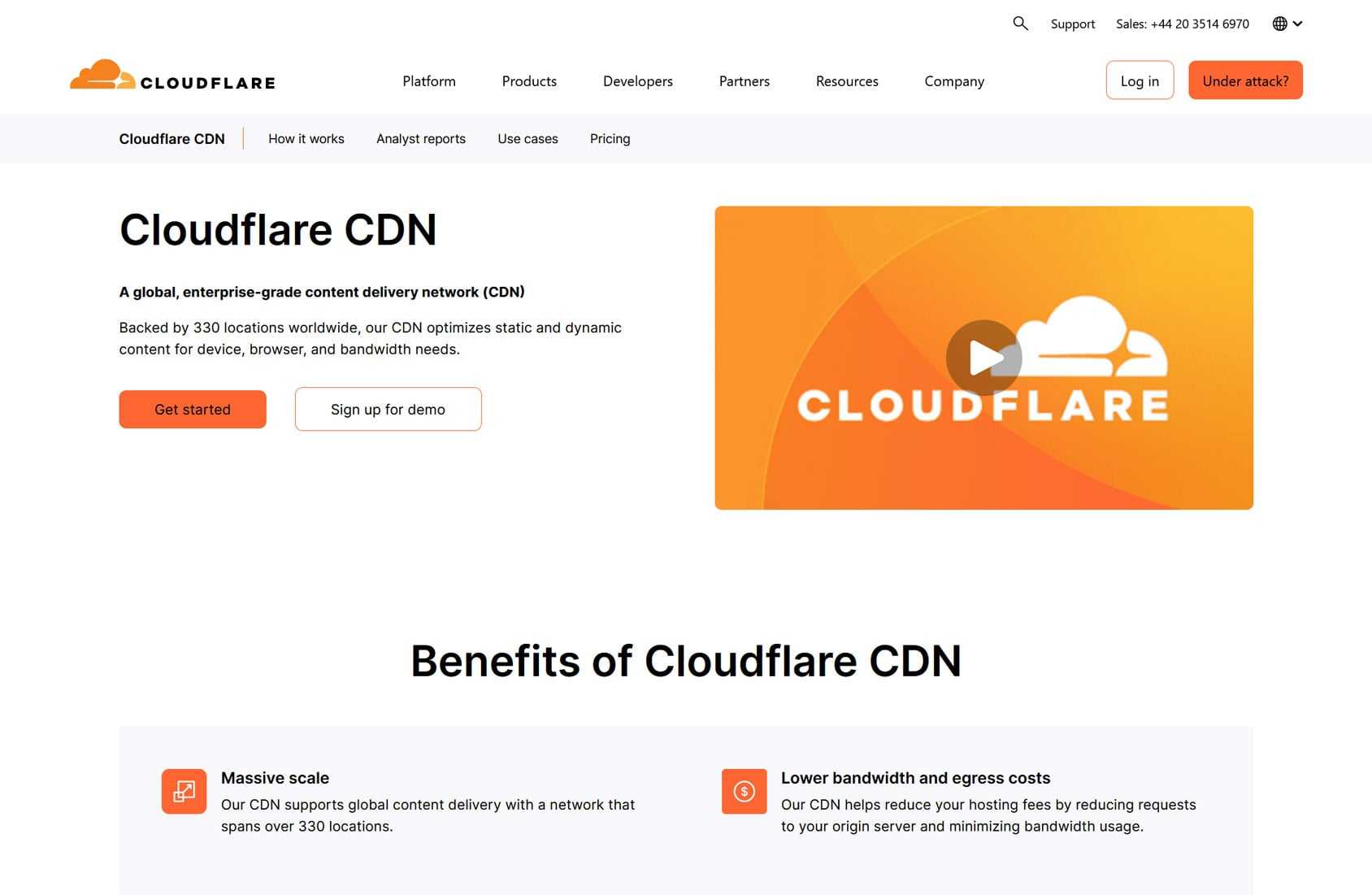
Cloudflare offers the widest coverage and a generous free plan that’s perfect for small and medium stores.
Cloudflare Pros:
- Generous free option and paid plans for sites of all sizes.
- Impressive global coverage with 330 PoPs in 125+ countries and a strong presence in mainland China.
- Good security features, including WAF and DDoS mitigation.
- Extensive customization options to control what gets cached and how.
- WordPress plugin simplifies setup and configuration.
Cloudflare Cons:
- Not WooCommerce-specific, but should work with any eCommerce store.
- Can only contact support on the paid plans.
- After the free plan, the lowest-priced plan starts at $20/mo.
Cloudflare is a well-regarded and highly capable CDN, and the free plan is very appealing.
If you’re using Cloudflare with WooCommerce, our WooCommerce edge caching setup in CommerceGurus Turbo can handle the configuration for you. Just enter your free Cloudflare API token and Turbo automatically creates the edge cache rules, transform rules, and image optimization configuration – no manual Cloudflare dashboard work required.
BunnyCDN
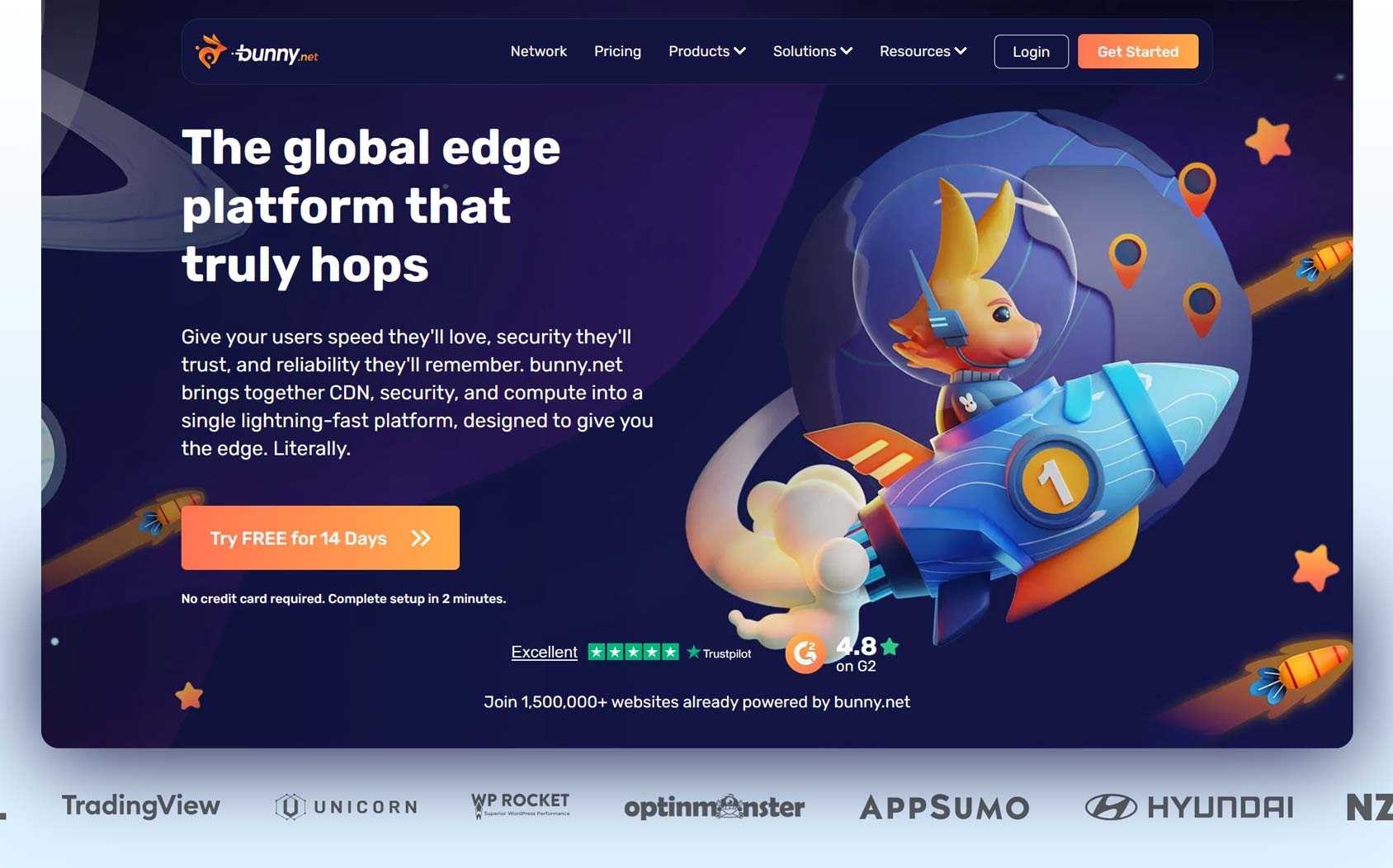
BunnyCDN sits around the middle when it comes to server locations. However, the service spans six continents, so most audiences should be covered.
BunnyCDN Pros
- Good global coverage with 119 PoPs in 77 countries over six continents.
- Flexible pricing based on usage.
- WordPress support simplifies setup and configuration.
- Good security features, including WAF and DDoS protection
BunnyCDN Cons
- No free plan.
- No specific WooCommerce support, but it should work with any eCommerce store.
- Pay-as-you-go pricing could get expensive if usage is high.
- Fewer edge PoPs than Cloudflare but more than KeyCDN.
BunnyCDN has different pricing tiers, each with its own rates, and you pay for what you use. Since RocketCDN is built on BunnyCDN but offers fixed-rate pricing, it could be a more affordable alternative depending on your usage.
RocketCDN
RocketCDN, from the same team behind WP Rocket (a popular WordPress caching plugin), offers an affordable, easy-to-use CDN service for WordPress sites. As it’s powered by BunnyCDN, it has good but not the best global edge coverage.
RocketCDN Pros:
- Good global coverage with 120 locations in 77 countries over six continents, powered by BunnyCDN.
- Affordable fixed pricing at $8.99/mo or $89/year with “unlimited” bandwidth.
- A user-friendly plugin makes installation and setup easy.
- WordPress only, so fully optimized for this platform.
RocketCDN Cons:
- Not explicitly built for WooCommerce or eCommerce stores, but it should still work.
- While bandwidth is “unlimited,” the low price suggests it might not be suitable for large or busy stores.
RocketCDN is an easy-to-use, low-cost option. However, while unlimited bandwidth is marketed, a fair usage policy applies, and exceeding it could result in service restrictions. This makes RocketCDN potentially unsuitable for busy eCommerce stores or those that experience traffic spikes; however, for everyone else, it’s a good option.
KeyCDN
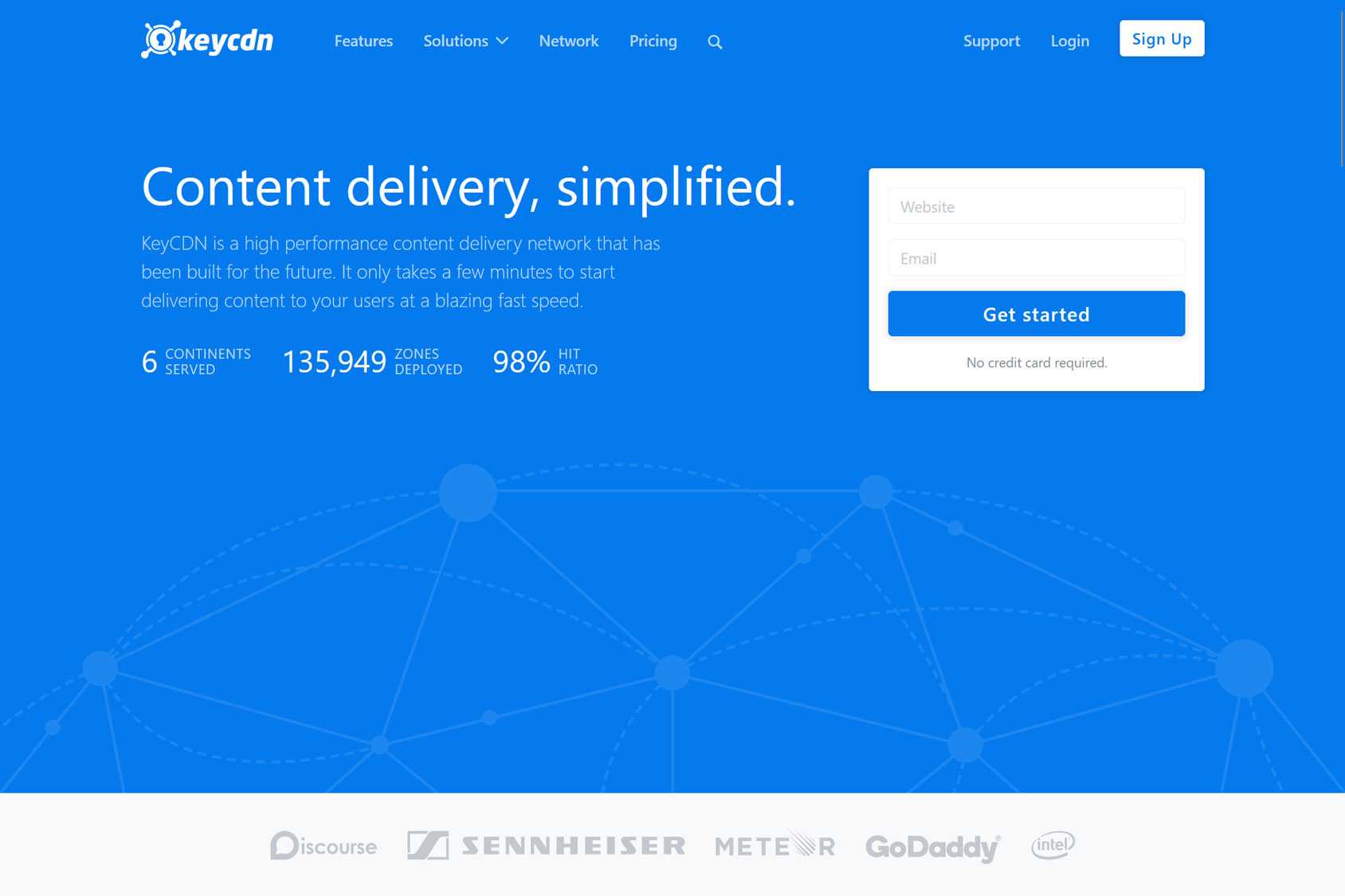
KeyCDN is another popular option that charges by usage. While the service spans six continents, it has fewer PoPs than the competition. However, unlike the competition, KeyCDN does provide instructions for using KeyCDN with WooCommerce — something new users will find useful.
KeyCDN Pros
- 60+ PoPs in 40+ countries over six continents.
- Usage-based pricing.
- A WordPress plugin to simplify setup and configuration.
- Documentation covering using KeyCDN with WooCommerce.
KeyCDN Cons
- No free plan.
- Pay-as-you-go pricing could get expensive.
- Fewer PoPs than the competition.
KeyCDN has a minimum $4/mo use fee plus whatever you use. You also pay extra for additional region coverage. Depending on your needs, this could be good value or more expensive than a fixed rate option like RocketCDN.
Coverage and pricing are the main points of difference. But don’t just choose the CDN with the most PoPs; instead, look for one that covers your audience’s locations.
For the most predictable pricing, consider RocketCDN’s flat-rate fee. Its WordPress plugin really simplifies setup.
However, if you have a very busy store or expect seasonal spikes, choose a CDN with pay-as-you-go pricing or a paid Cloudflare plan. This will help ensure you’re covered during those peak periods.
For those on a tight budget, Cloudflare’s free plan is hard to beat.
How to Integrate a CDN With WooCommerce
While a CDN can improve performance, it can also break essential functionality if set up incorrectly. Some key points to consider when integrating a CDN with WooCommerce include:
- Selective coverage: The CDN should serve static assets (such as images, CSS, and JavaScript) but exclude dynamic parts of the store, such as the cart, checkout, and customer accounts pages.
- Enable SSL: Ensure HTTPS is active for a secure shopping experience.
- Configure purging: Make sure the CDN clears cached content quickly when product pricing or images are updated.
- Test thoroughly: Ensure all parts of your store are loading and showing the latest information, and checkout works. Test site speed from multiple locations to ensure the CDN improves load times.
The best WooCommerce CDNs will provide documentation for eCommerce store configuration, and all but the free options include support access to help you get set up. However, if you are experiencing problems, check for conflicts between the CDN and other caching or performance plugins installed on your store.
When a CDN May Not Be Worth It
WooCommerce stores with a global audience can really benefit from a good CDN.
The right service stores static site content closer to where shoppers are, reducing load times and improving conversions and user experience.
However, it’s important to consider your sales volume and traffic levels to ensure a CDN makes financial sense for your business.
For stores with customers in just one region, choosing a WooCommerce-focused web host with a data center near your customers should be sufficient. In this scenario, the benefits of using a CDN will be minimal, and costs will likely outweigh the gains.
Conclusion and Recommendation by Use Case
The best CDN for your WooCommerce store is one that’s compatible with your store’s size, traffic, budget, and goals. As just mentioned, for some WooCommerce stores, a CDN might not even be beneficial.
However, to help you decide, here’s a quick summary of the use cases:
- Local stores: Stores with customers in a single location probably won’t benefit from a CDN if the site’s hosted in the same region as their shoppers. However, CDNs can still improve reliability and security if your host is lacking in these areas.
- Small stores on a budget: A simple, low-cost CDN is usually enough to improve load times without adding complexity. Consider RocketCDN for predictable pricing and a convenient installation, or the free Cloudflare plan for a good service but a slightly more hands-on installation.
- High-traffic international stores: For these types of WooCommerce stores, a CDN is essential. Global coverage, high performance, and the ability to handle dynamic content is the priority, and the paid Cloudflare plans are the best option for most.
Ultimately, the best CDN is one that fits your current needs and budget and can scale as your store grows.



 Kinsta Review – How well does it work for WooCommerce Hosting?
 eCommerce Trust and Credibility: How to Win Customer Confidence
 Best WooCommerce Payment Gateway for WordPress in 2020
 How to Remove Unused CSS