Get a fast, conversion-focused WooCommerce theme in 2026. Switch to Shoptimizer.

The Invisible Storefront: The Shift from SEO to AEO in eCommerce

The Invisible Storefront: The Shift from SEO to AEO in eCommerce

All the work you’ve done on your store to appeal to human shoppers, including design, UX, photography, and lifestyle branding, could soon become much less relevant.

That’s due to the rise of AI shopping agents: automated software that helps users find and purchase products. These agents don’t browse your store as customers do. They don’t care about your pop-up discounts, your brand story, or your parallax scrolling. Instead, they analyze structured data, product feeds, and API responses. Your hero banner and aspirational photos are invisible to them.

As AI-assisted shopping grows — ChatGPT alone handles around 50 million shopping queries a day — ensuring your eCommerce store is optimized for these agents is becoming increasingly important.

In this guide, we cover what AEO means for eCommerce stores and what you can do about it now.
How To Reduce Server Response Times (TTFB) in WooCommerce

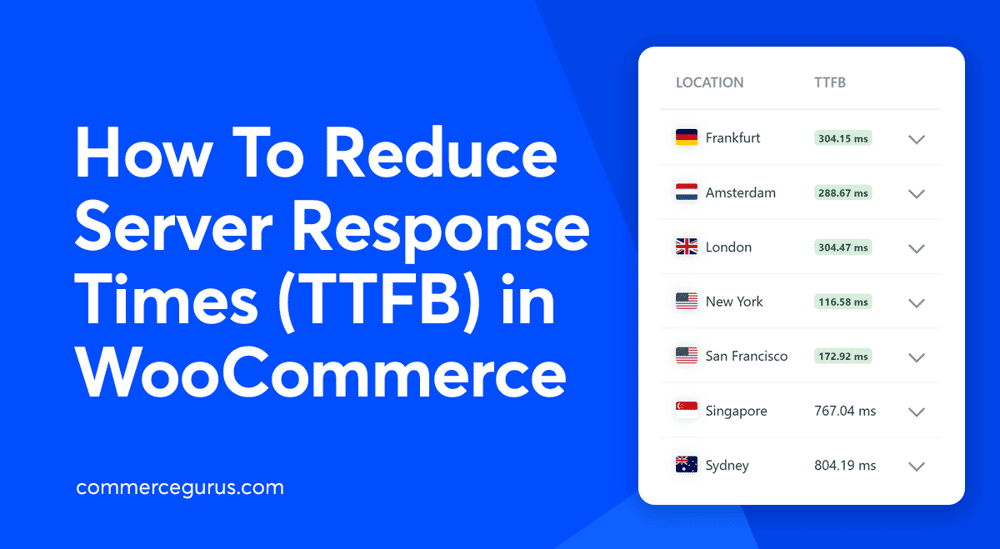
How To Reduce Server Response Times (TTFB) in WooCommerce

Slow server response times are a common problem for WooCommerce stores because of their dynamic nature. High time to first byte (TTFB) can affect SEO, user experience, and conversions, but it’s not always easy to identify the cause of poor performance.

In this guide, we’ll cover the most effective ways to reduce server response times (TTFB) in WooCommerce, starting with the changes that usually make the biggest difference.

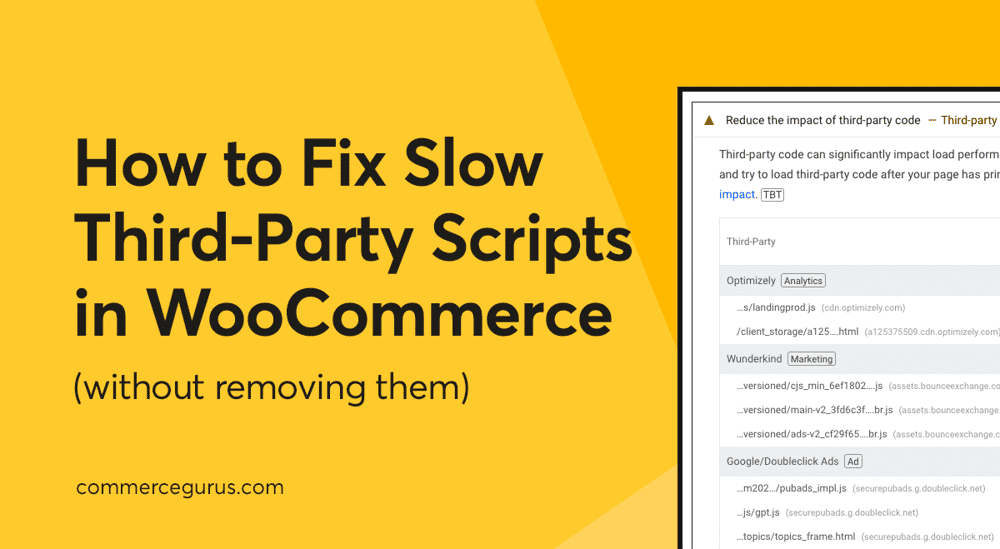
How to Fix Slow Third-Party Scripts in WooCommerce (Without Removing Them)

How to Fix Slow Third-Party Scripts in WooCommerce

If your WooCommerce store feels slow (or isn’t scoring as well as you’d like in PageSpeed Insights), there’s a good chance third-party scripts are part of the problem.

Most eCommerce stores rely on one or more of: pixel tracking, chat widgets, review carousels, video embeds, A/B testing, Facebook tracking, Google Analytics, and heatmaps. And there are many more examples like these! Each one of these tools adds extra JavaScript to your pages, and those scripts often run on the main thread, slowing your site’s response time to shoppers.

The good news is you don’t need to remove these tools to speed things up. In most cases, stopping non-essential JavaScript from loading until the shopper shows intent (for example, tapping, clicking, or scrolling) can solve the problem.

In this guide, we’ll walk through a practical checklist to reduce the impact of third-party scripts on your WooCommerce store without sacrificing any sales-generating features.

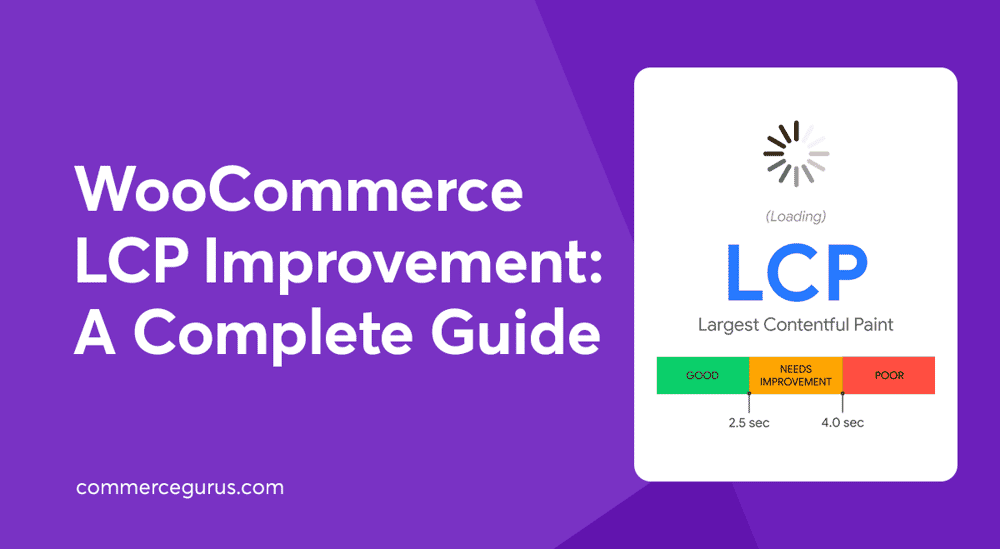
WooCommerce LCP Improvement: A Complete Guide

WooCommerce LCP Improvement: A Complete Guide

Improving LCP should be a priority for all WooCommerce stores as it directly impacts user experience, brand reputation, and conversions.

In fact, Rakuten 24 found that achieving a good LCP score lead to a conversion rate increase of up to 61%, as well as improvements in revenue per visitor and average order value. Renault reported a 14% decrease in bounce rate and a 13% increase in conversions after improving LCP.

If you’re not sure what LCP is, what a good score is, how to measure it, or how to improve it, this guide will get you up to speed.

By following the nine actionable strategies, you’ll be able to ensure your main content loads quickly, shoppers get a smooth first impression, and your conversions have the best chance to improve.

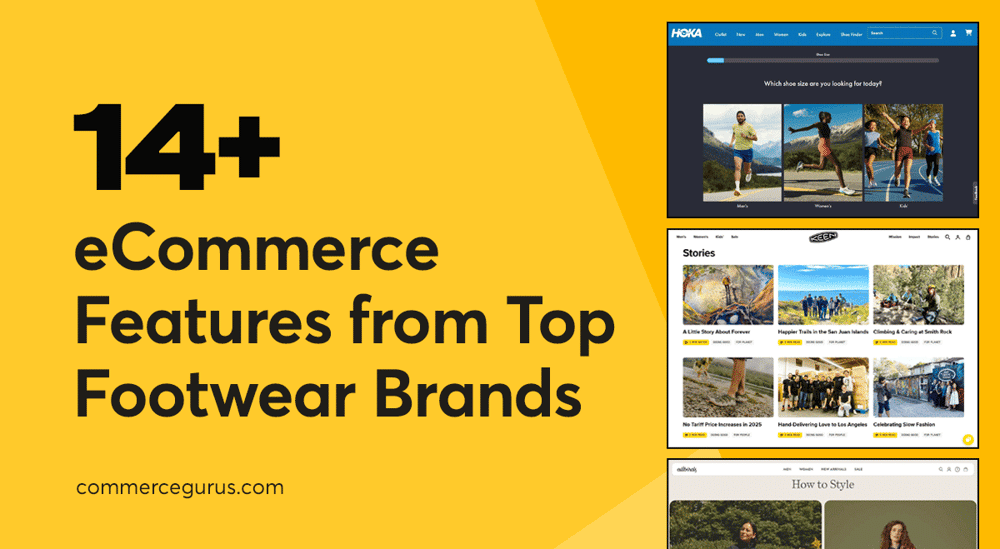
14 eCommerce Store Features Inspired by Top Footwear Brands

14 eCommerce Store Features Inspired by Top Footwear Brands

If you want to improve your eCommerce store, this article will provide you with plenty of inspiration and examples of features you could add.

As these successful eCommerce stores demonstrate, you can significantly enhance your online shop by adding interesting features alongside your product pages.

For example, by promoting upcoming events that your visitors will find interesting, sharing high-value educational content, featuring your customers’ social media content, and showcasing style guides that highlight your products, you can transform your website into a valuable resource that visitors will eagerly return to.

Although this guide features stores that sell footwear, with a bit of adjustment, you should be able to apply these features to your store, regardless of what you’re selling.

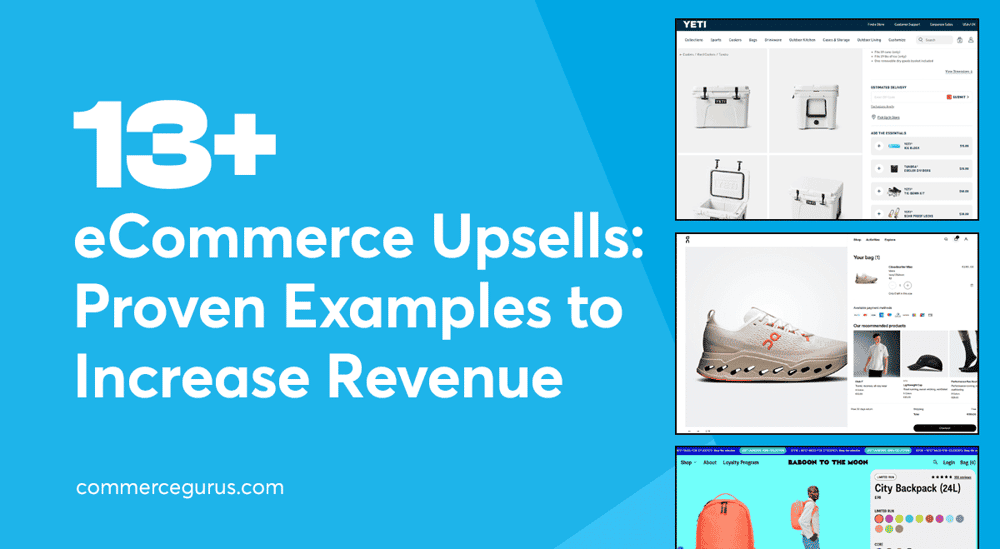
eCommerce Upsells: 13+ Proven Examples to Increase Revenue

eCommerce Upsell Examples

If you want to generate more sales without having to increase traffic, including cross-sells and upsells at key points in the buying process is not just recommended, it’s essential.

Displaying recommended products, relevant add-ons, and desirable upgrades to what customers are already considering can help increase the average order value at your store while also helping customers get the most from their purchase.

In this article, you’ll find 14 of the best eCommerce upsell and cross-sell examples to help you generate more sales.

Let’s dive in!

Success!

The discount has been applied. You will see it when you checkout.

There has been a problem

Unfortunately this discount cannot be applied to your cart.

$50
Off

Do you want a whopping $50 off Shoptimizer for WooCommerce?

Click the button below to get Shoptimizer for only $49. (Regular price: $99).
This is a special launch offer for today only.
Get it before it is gone!