Get a fast, conversion-focused WooCommerce theme in 2026. Switch to Shoptimizer.

Home Archives for Joe Fylan

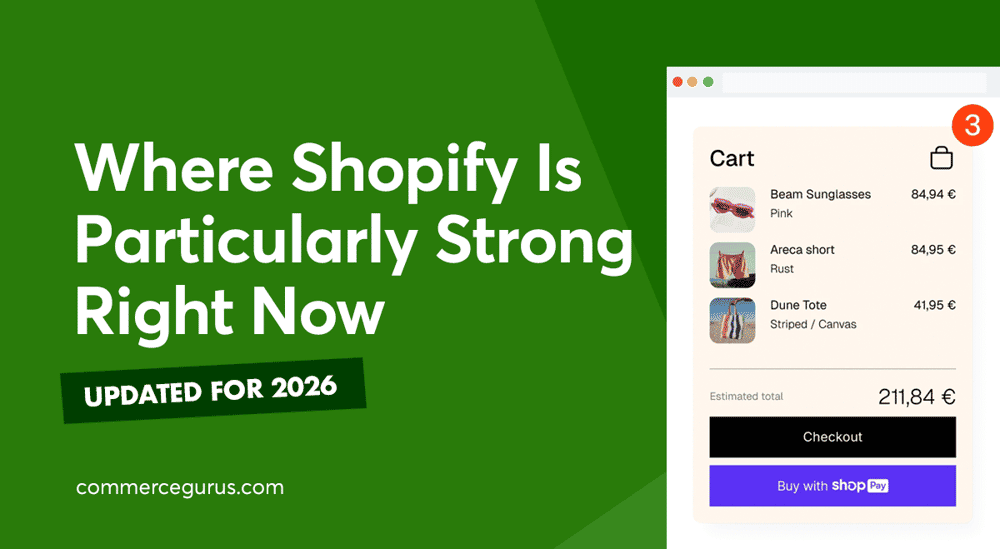
Where Shopify Is Particularly Strong in 2026

Where Shopify Is Particularly Strong in 2026

Shopify’s biggest strength is that its own tools all share one set of store data. Sidekick reads a store’s products, orders, and analytics; Flow acts on them; POS sells from the inventory; checkout and Markets run through Shopify Payments; and the AI shopping channels list the same catalog.

For merchants, that can mean less work connecting separate tools and keeping them in sync.

Our WooCommerce vs Shopify post covered what does and doesn’t change when you move from WooCommerce to Shopify, such as hosting being handled for you.

Here, we’re looking at where Shopify is particularly strong right now, from Shopify AI features and included first-party apps to checkout, B2B, and international selling. The goal is to give you an honest picture of what Shopify does well.
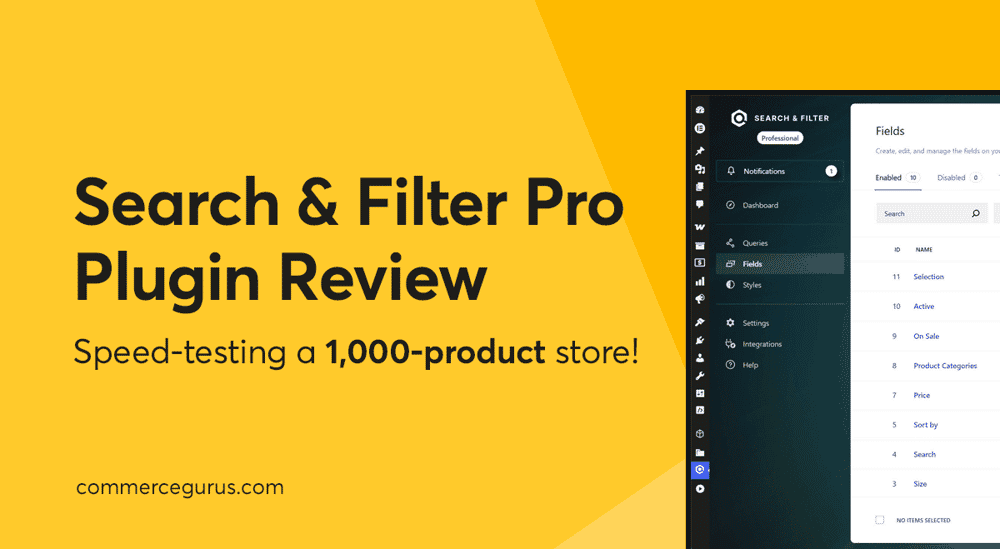
Search & Filter Pro Review: WooCommerce Performance Test

Search & Filter Pro Review: WooCommerce Performance Test

When it comes to searching and filtering products in WooCommerce, the core plugin ships with the basics: a price filter, an attribute filter, and a product categories widget, among a few others. For small stores with twenty products and two categories, that’s enough. Add more products, though, and it stops being useful.

Shoppers can’t narrow a 1,000-product catalog with a single dropdown. The default widgets don’t communicate in a way that resembles modern faceted search.

This Search & Filter Pro review covers what’s in the free version, what Pro adds, and how the plugin holds up on a test store with 1,000 products using our Shoptimizer WooCommerce theme.

Search & Filter Pro is built to be the go-to option when the default stops being enough. It combines an AJAX-driven filtering engine and an indexed product search in one plugin, built on a query editor, a dedicated Gutenberg block category, and an indexer designed to keep multi-attribute filtering on large catalogs from hurting Core Web Vitals.

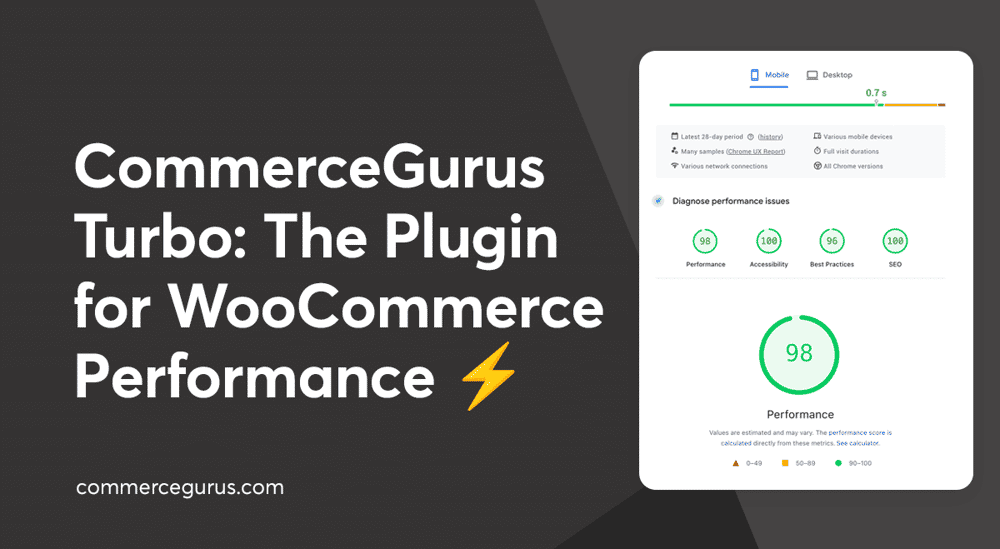
Introducing CommerceGurus Turbo: Faster WooCommerce Stores

Introducing CommerceGurus Turbo

For over a decade, we’ve focused on one thing: making it easier to sell online. That focus runs through both our flagship products, Shoptimizer and CommerceKit, and it’s helped more than 60,000 store owners build faster, higher-converting WooCommerce stores.

But one problem kept coming up. Making a WooCommerce store genuinely fast meant installing and configuring a stack of separate plugins, plugins that conflict with each other when they aren’t carefully set up and, in the worst cases, break the checkout flow entirely.

Most performance plugins were built for WordPress blogs and brochure sites, with WooCommerce support tacked on as an afterthought. WooCommerce stores need a performance plugin built for how they actually work.

So we built CommerceGurus Turbo.

It’s currently in beta – stable and running on live WooCommerce stores today (including this one), with active development as we refine it based on real-world feedback.

Best WooCommerce CDN Options

Best WooCommerce CDN Options

Using a CDN with WooCommerce can speed up your store, improve the shopping experience, and ultimately help generate more sales.

A content delivery network (CDN) helps improve site speed by serving its content from servers closer to your customers, wherever they are in the world. A good CDN will also reduce pressure on your web host, improving reliability during unexpected traffic spikes and busy periods.

Using a CDN makes sense for most WooCommerce stores, but with so many options out there, which one should you choose?

To help you decide whether your store needs a CDN and, if so, which one to choose, this guide covers the best WooCommerce CDN options, what to look for when choosing, and which solution is best for different types of stores.

The Invisible Storefront: The Shift from SEO to AEO in eCommerce

The Invisible Storefront: The Shift from SEO to AEO in eCommerce

All the work you’ve done on your store to appeal to human shoppers, including design, UX, photography, and lifestyle branding, could soon become much less relevant.

That’s due to the rise of AI shopping agents: automated software that helps users find and purchase products. These agents don’t browse your store as customers do. They don’t care about your pop-up discounts, your brand story, or your parallax scrolling. Instead, they analyze structured data, product feeds, and API responses. Your hero banner and aspirational photos are invisible to them.

As AI-assisted shopping grows – ChatGPT alone handles around 50 million shopping queries a day — ensuring your eCommerce store is optimized for these agents is becoming increasingly important.

In this guide, we cover what AEO means for eCommerce stores and what you can do about it now.

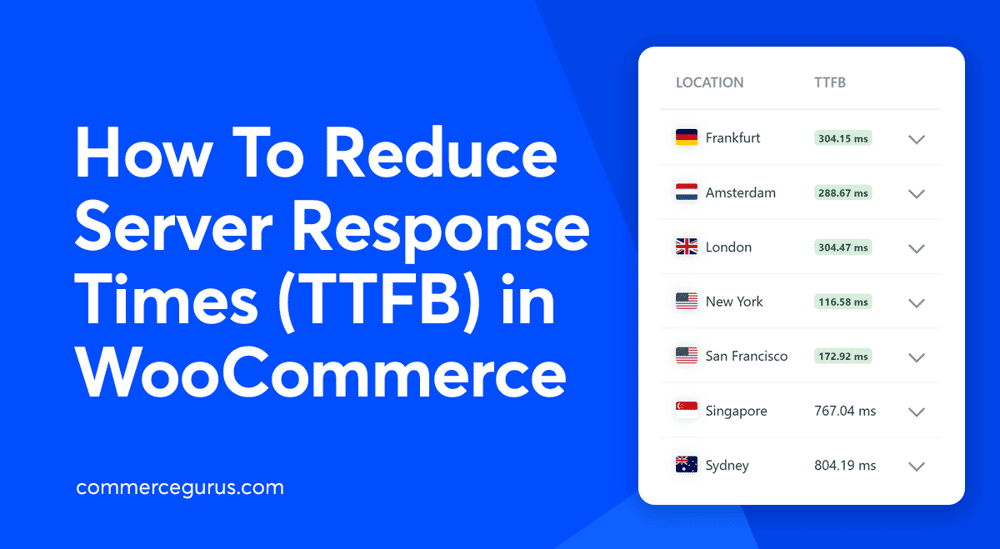
How To Reduce Server Response Times (TTFB) in WooCommerce

How To Reduce Server Response Times (TTFB) in WooCommerce

Slow server response times are a common problem for WooCommerce stores because of their dynamic nature. High time to first byte (TTFB) can affect SEO, user experience, and conversions, but it’s not always easy to identify the cause of poor performance.

In this guide, we’ll cover the most effective ways to reduce server response times (TTFB) in WooCommerce, starting with the changes that usually make the biggest difference.

Success!

The discount has been applied. You will see it when you checkout.

There has been a problem

Unfortunately this discount cannot be applied to your cart.

$50
Off

Do you want a whopping $50 off Shoptimizer for WooCommerce?

Click the button below to get Shoptimizer for only $49. (Regular price: $99).
This is a special launch offer for today only.
Get it before it is gone!