Get a fast, conversion-focused WooCommerce theme in 2026. Switch to Shoptimizer.

Home woocommerce

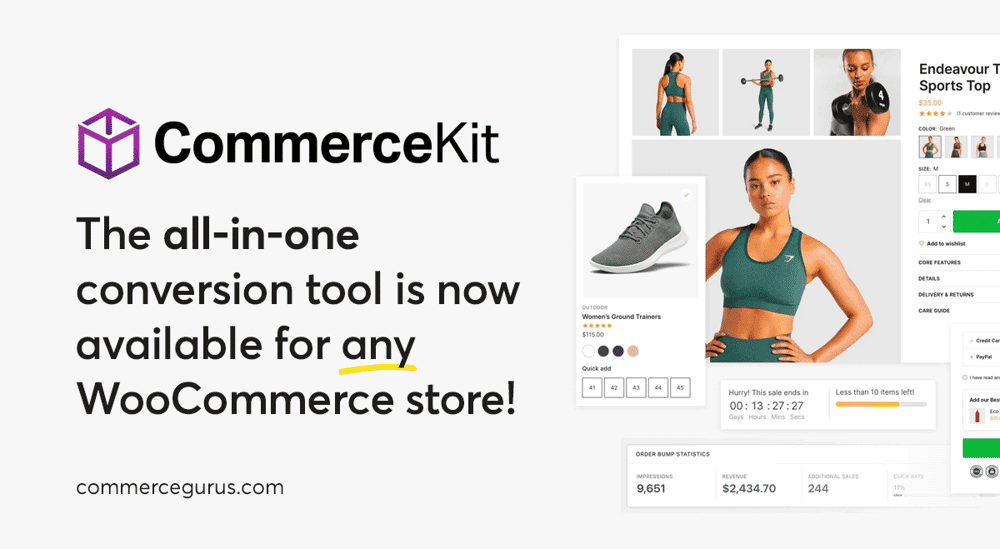
CommerceKit Now Works with Any WooCommerce Theme

CommerceKit Now Works with Any WooCommerce Theme

CommerceKit was born as a simple companion plugin to Shoptimizer. Over the years it has evolved into a powerful, fully-featured conversion optimization suite for WooCommerce with 13 modules covering everything from instant ajax search and conversion-focused product galleries to order bumps, attribute swatches, and wishlists.

It replaces a whole stack of individual plugins with a single, performance-optimized package.

For years, many of you have been asking if CommerceKit can be used with any WooCommerce theme – not just Shoptimizer.

For those of you who have missed CommerceKit’s suite of conversion optimization features on your other WooCommerce stores, we are pleased to announce that you can now purchase a standalone license and use CommerceKit with any WooCommerce-powered store!

A standalone license is just $39/year. When you consider how many individual plugins CommerceKit replaces, that’s a pretty great deal.

If you’re already a Shoptimizer customer, nothing changes for you. CommerceKit is still included with your Shoptimizer license and the update process remains exactly the same.

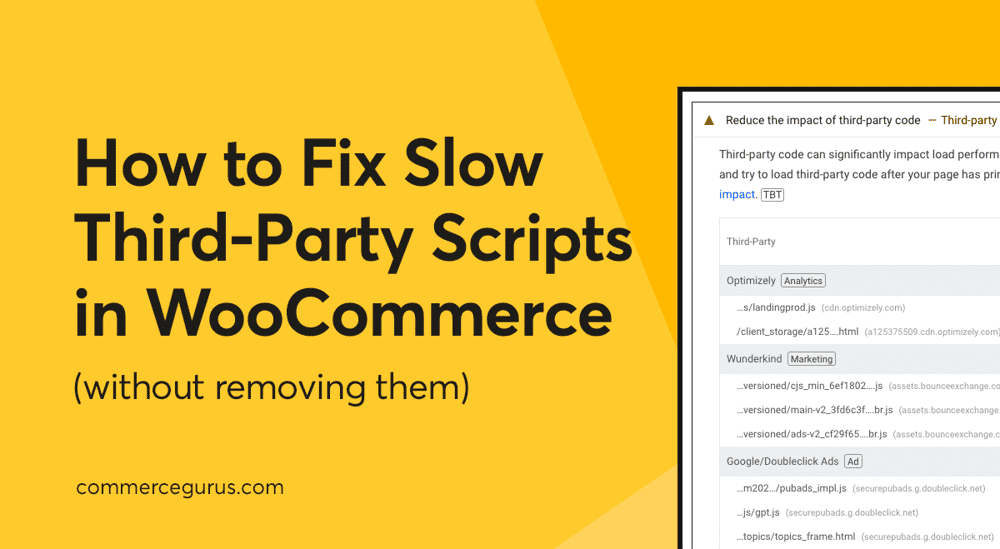
How to Fix Slow Third-Party Scripts in WooCommerce (Without Removing Them)

How to Fix Slow Third-Party Scripts in WooCommerce

If your WooCommerce store feels slow (or isn’t scoring as well as you’d like in PageSpeed Insights), there’s a good chance third-party scripts are part of the problem.

Most eCommerce stores rely on one or more of: pixel tracking, chat widgets, review carousels, video embeds, A/B testing, Facebook tracking, Google Analytics, and heatmaps. And there are many more examples like these! Each one of these tools adds extra JavaScript to your pages, and those scripts often run on the main thread, slowing your site’s response time to shoppers.

The good news is you don’t need to remove these tools to speed things up. In most cases, stopping non-essential JavaScript from loading until the shopper shows intent (for example, tapping, clicking, or scrolling) can solve the problem.

In this guide, we’ll walk through a practical checklist to reduce the impact of third-party scripts on your WooCommerce store without sacrificing any sales-generating features.

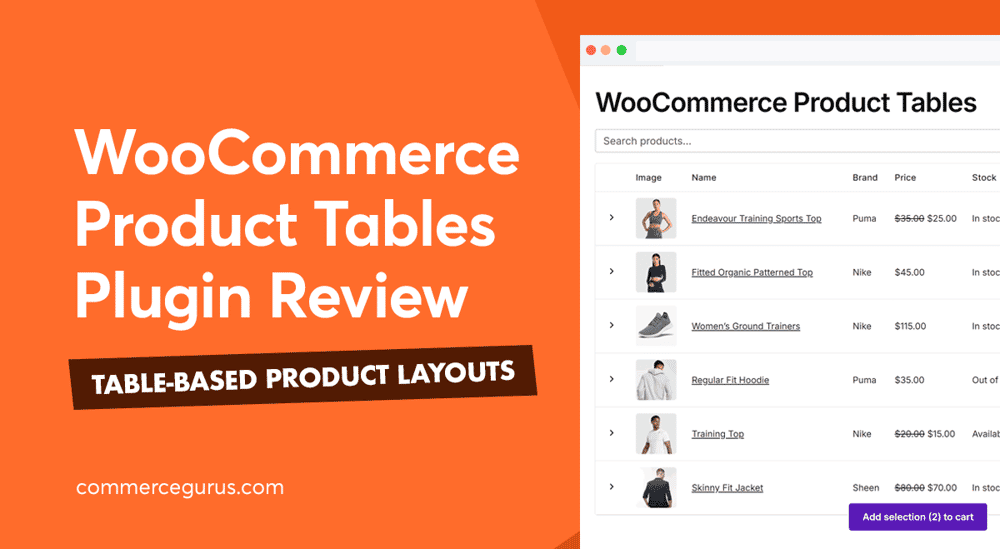
WooCommerce Product Tables Review

WooCommerce Product Tables Review

WooCommerce Product Tables is an excellent new plugin from Studio Wombat for creating interactive tables that display your store’s WooCommerce products.

The plugin is straightforward to use. It’s a great way to add product tables to a WooCommerce store. The tables look good on desktop and mobile and are built with performance in mind.

If you’re interested in adding stylish, responsive tables of your products to your WooCommerce store, this WooCommerce Product Tables review will help you decide if this is the right plugin for you.

You’ll find information on pricing, the key features, and what it’s like to use in this hands-on review.

If you want to see the tables this plugin can create, check out the online demo.

Advanced Product Fields for WooCommerce Review – Add Custom Fields to Products

Advanced Product Fields for WooCommerce Review

Do you find that the default WooCommerce product fields lack options for listing your inventory in the way you want? If so, you might find the Advanced Product Fields for WooCommerce plugin from Studio Wombat extremely useful!

It’s a tool that lets you add extra options and fields to your products. This includes text boxes, dropdowns, radio buttons, color swatches, images, and more.

These fields and options give you a lot more flexibility when it comes to displaying and offering products to your customers.

This, in turn, enables you to create product add-ons, let users submit custom text, set custom pricing, offer various discounts, and accept file uploads, all from the product page.

When using the plugin with our Shoptimizer WooCommerce theme, the fields are integrated seamlessly with the design of your store, delivering a consistent user experience for your shoppers.

If that sounds interesting, read this Advanced Product Fields for WooCommerce review to determine if this is the right tool to help you configure your products and list them according to your business requirements.

Mastering WooCommerce by Patrick Rauland Book Review

Mastering WooCommerce Book Review

Mastering WooCommerce by Patrick Rauland is a print and digital book that’s just as useful for those new to WooCommerce and would like a step-by-step guide to building a store as it is for more experienced users who are seeking a detailed reference guide they can turn to when needed.

If you want to increase your knowledge of WooCommerce, whether you’re just starting out or you’re already familiar with this platform, then investing in Mastering WooCommerce would be an excellent purchase.

While there are many valuable WooCommerce guides online, you can’t beat a book when it comes to covering a topic in depth. Having a printed or digital book to hand that covers all the essentials, and more in one place can be a great alternative or accompaniment to the countless articles and other resources available online.

WooCommerce Discounts Review – Powerful Discount Functionality

WooCommerce Discounts Review

Would you like to offer discounts at your WooCommerce store? And not just standard $10-off discounts but much more creative ones?

If so, this WooCommerce Discounts review will introduce you to a new plugin built specifically for that purpose.

The plugin was created to give you more control over running discounts at your eCommerce store. Regardless of what type of discounts you want to create, there’s a high chance this extension has the necessary functionality.

Some of its key features include the ability to create volume, bulk, and quantity discounts; offer discounts that provide free products or samples; and set up dynamic discounts based on cart contents, total spend, and more.

So if you’d like powerful functionality for managing discounts at your eCommerce store, read our WooCommerce Discounts by Wombat Plugins review to find out if this is the right option for you.

Success!

The discount has been applied. You will see it when you checkout.

There has been a problem

Unfortunately this discount cannot be applied to your cart.

$50
Off

Do you want a whopping $50 off Shoptimizer for WooCommerce?

Click the button below to get Shoptimizer for only $49. (Regular price: $99).
This is a special launch offer for today only.
Get it before it is gone!