Get a fast, conversion-focused WooCommerce theme in 2026. Switch to Shoptimizer.

WooCommerce Images – the ultimate guide for your site

The ultimate guide to product images in WooCommerce

High quality product images are a crucial factor in driving visitor engagement to your WooCommerce store. After looking at the best WooCommerce examples, excellent photography was a common feature. In this guide I’ll be showing you how to create great images within WooCommerce (no blurry ones) which are also optimized for speed. You’ll be able to apply these techniques, whatever the WooCommerce theme you’re using.

These performance benefits are a hugely important aspect of this. According to the HTTP Archive in 2019, images make up an average 21% of a total page’s weight. Having a fast WooCommerce site is crucial and you can see from the chart below what a big part images and video play in this.
Create a Better Thank You Page in WooCommerce

Creating a better WooCommerce Thank You Page

We’ve had a couple of questions about the WooCommerce thank you page or confirmation screen, with people looking to edit the output. By default, its display is rather simple and doesn’t it offer any in-built options to change what is presented.

I think many stores are missing a trick here. There’s a number of features which could be very valuable to display on this screen. From sharing your purchases, signing up to a newsletter to displaying product guides, we’ll go through some ideas and then show you how to add them to your own WooCommerce store. Let’s make it work harder for you and get additional leads, signups and survey results. A strong thank you page can do more than simply display the order details.

WooCommerce Examples – 38+ Top Designs to learn from (2021 update)

WooCommerce Examples

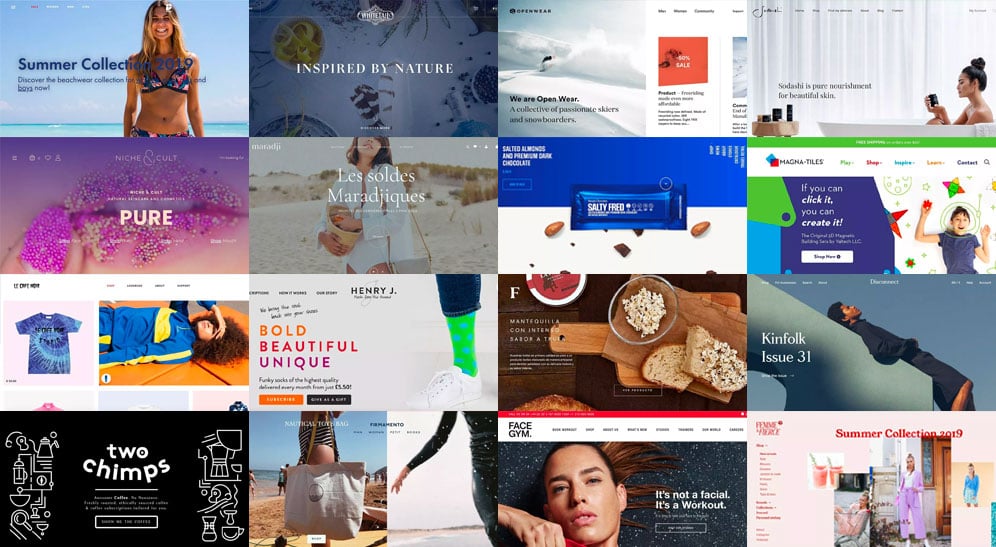
In this blog post I’m going to be showing you the top WooCommerce examples in 2021. This won’t be just a static gallery of beautiful screenshots. Each example will include a tip or action you can implement on your own WooCommerce site.

So, if you love real world WooCommerce examples and want to know how to apply key learnings to your own store, you’re in the right place. Let’s dive in!

WooCommerce Checkout: Optimizing it for better conversions

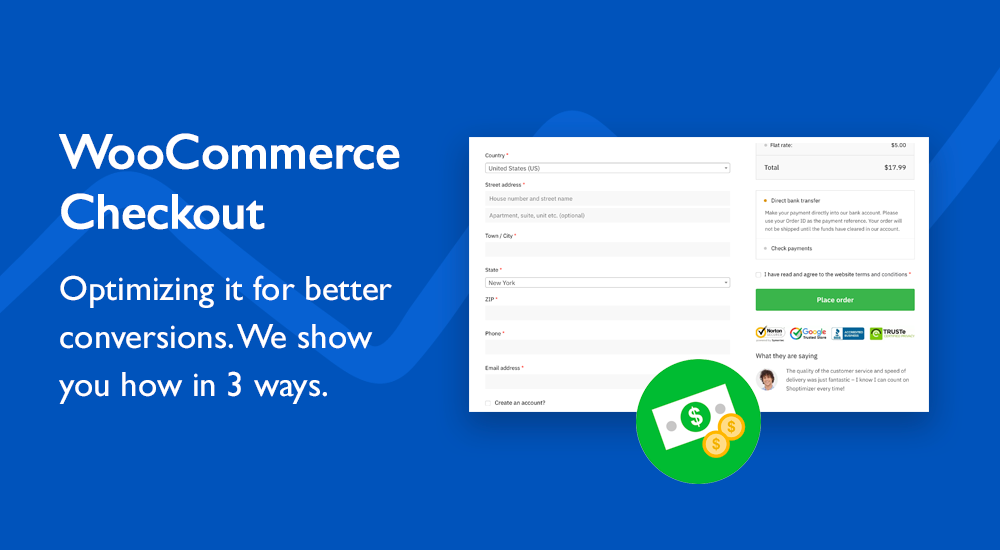
Although the default WooCommerce checkout is reasonably well laid out I think more can be done to improve this crucial step for store owners. Because, really this is now the most important step of the process. You’ve done the hard work, encouraged a buyer to select a product, add it to the cart – now you need them to buy.

You don’t want your effort to be wasted and with a couple of easy tweaks you’ll be able to reduce the likelihood of this happening. I’m going to show you how to optimize your WooCommerce checkout to present the best possible experience to buyers and encourage them to complete the process. Let’s get started!

WooCommerce Email Customizer – The Five Minute Guide

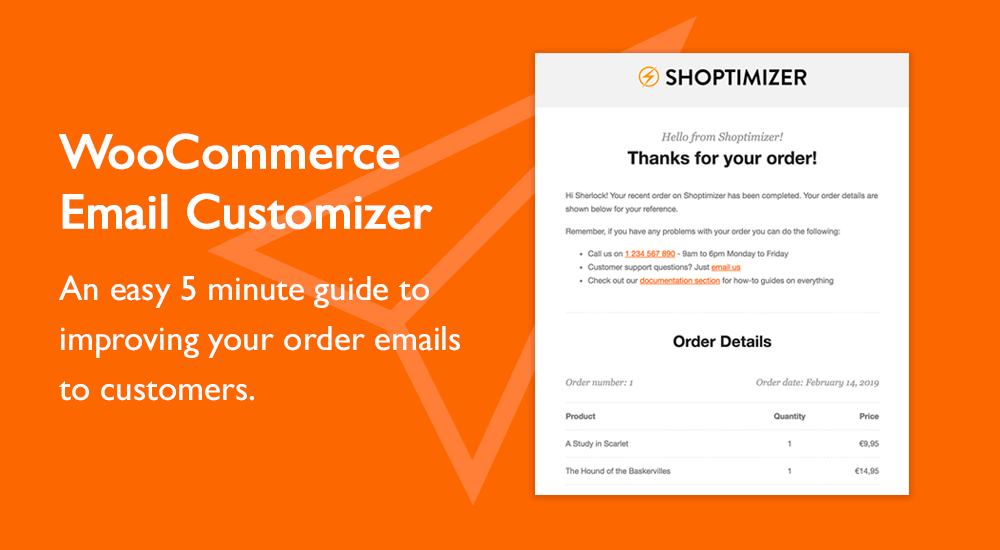
I was looking for a WooCommerce Email Customizer solution for our own CommerceGurus site for a while for buyers of our Shoptimizer WooCommerce theme. Email customizations are one of the forgotten aspects of eCommerce but definitely shouldn’t be overlooked. They’re invaluable for defining your brand right up to and including the point-of-sale and can provide useful information to buyers post-purchase.

This could include a link to documentation, a phone number for support or even a coupon code for subsequent purchases as a way of saying thank you. Let’s look at what I discovered, and I promise, it should only take five minutes to implement on your store.

It’s an easy win!

Success!

The discount has been applied. You will see it when you checkout.

There has been a problem

Unfortunately this discount cannot be applied to your cart.

$50
Off

Do you want a whopping $50 off Shoptimizer for WooCommerce?

Click the button below to get Shoptimizer for only $49. (Regular price: $99).
This is a special launch offer for today only.
Get it before it is gone!