As a WooCommerce store owner, you don’t want customers to experience poor page load speeds and response times. This causes a poor user experience that leads to visitors bouncing off your website sooner than they had planned to, without seeing your product catalog.
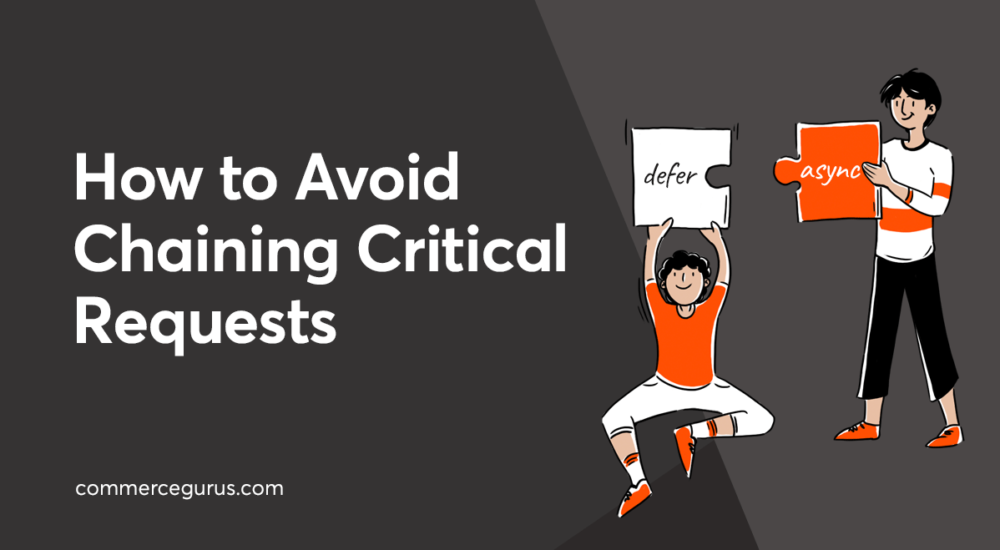
Chaining critical requests can cause slower page load times and poor response times on your web page. All critical resources are being rendered in the same order that’s mentioned in your HTML code. As a result, it can delay the first content rendering on the visitor’s screen depending on the size of the resource and the length of the chain.