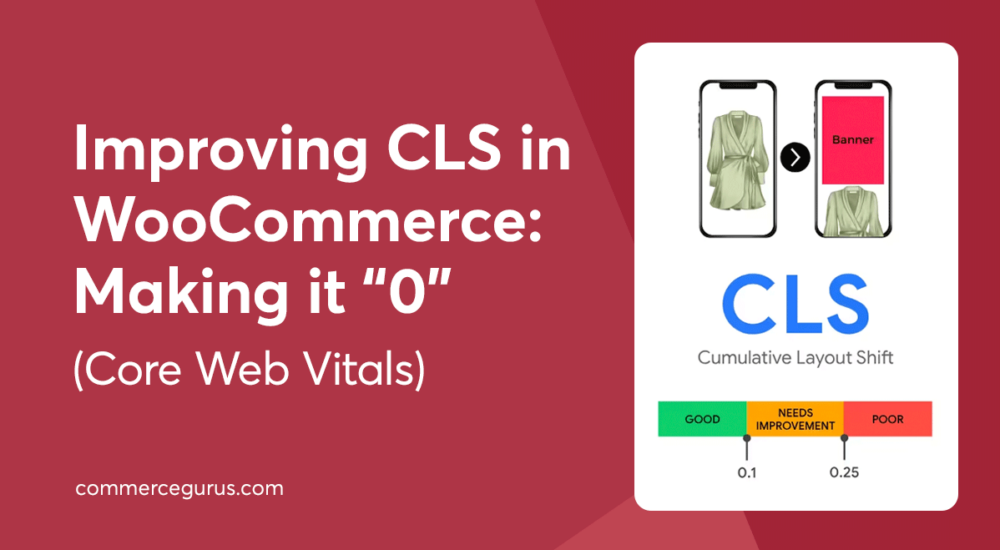
Get a fast, conversion-focused WooCommerce theme in 2025. Switch to Shoptimizer.

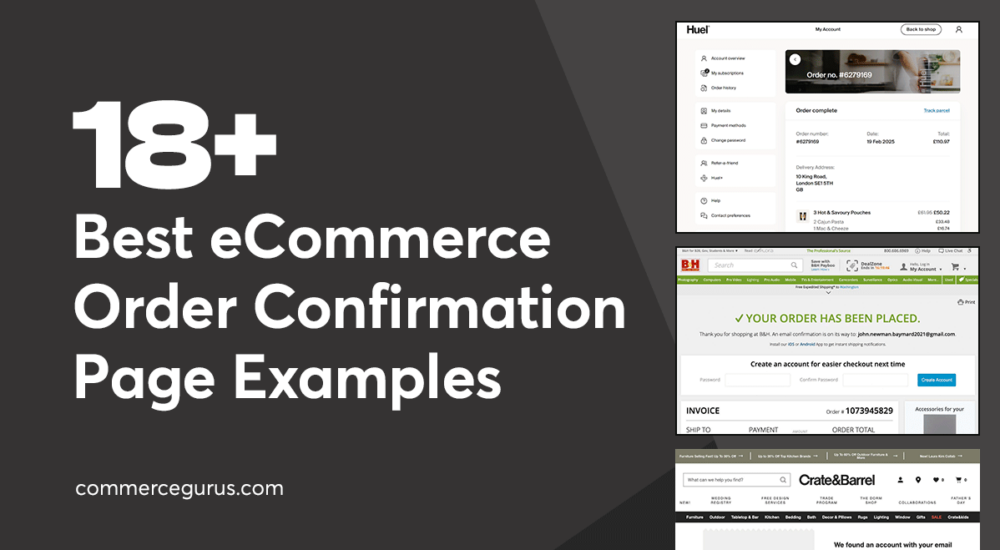
Best Order Confirmation eCommerce Examples

Best Order Confirmation eCommerce Page Examples

An eCommerce store’s order confirmation page is easy to overlook, but it can do far more than simply confirm a purchase. Used well, it can help you grow your email list, generate loyalty sign-ups, and encourage repeat sales.

This guide walks through the most effective features to add to your post-purchase page, along with real examples from eCommerce stores that are using this page strategically. You’ll also find WooCommerce plugin recommendations to help you optimize your own confirmation page.

10 Best eCommerce Checkout Page Designs to Learn From

10 Best eCommerce Checkout Designs

A badly designed eCommerce checkout page could be costing your online store valuable sales and profits.

One sign that you might have a badly designed checkout page is your metrics reporting that shoppers are reaching the checkout only to leave without making a purchase.

While there are many reasons why someone might abandon their cart at the checkout page, poor design is definitely one of them.

As design covers much more than just aesthetics, including user experience, trustworthiness and credibility, ease of use, load times, and accessibility, there’s a lot that can go wrong with the design of your checkout page.

If you’re worried that this part of your store is letting down your business, this guide covering the 10 best eCommerce checkout page designs to learn from will help you determine if your checkout page could be improved, and if so, in what ways.

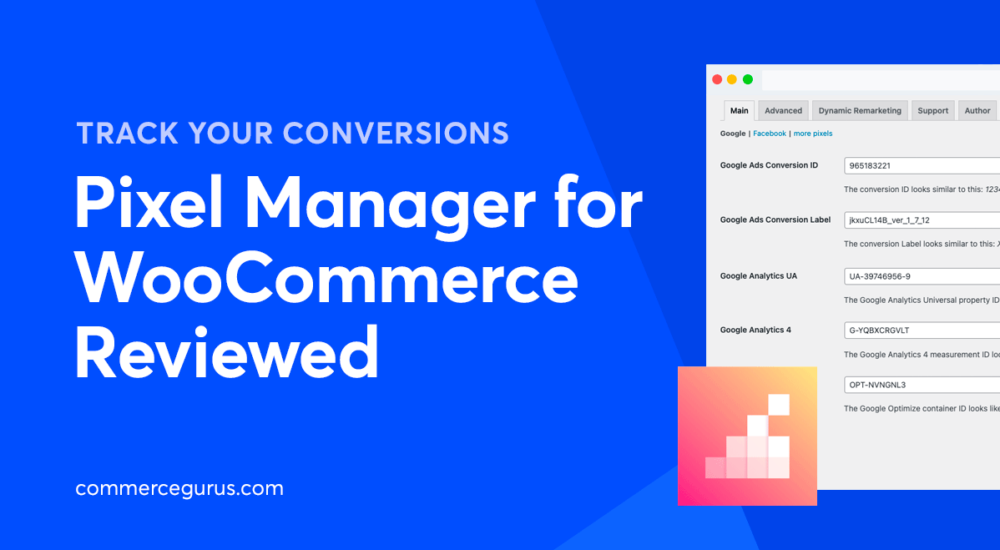
Pixel Manager for WooCommerce Review

Pixel Manager for WooCommerce Reviewed - Track your conversions

Tracking conversions across multiple sources is essential for growing eCommerce stores. It helps you determine which channels work the best for your business and where there’s room for improvement. You can use this information to grow your bottom line.

To do this in WooCommerce, you will need a pixel manager plugin that lets you track ad and marketing campaigns from a single place.

In this article, we’ll review the Pixel Manager for WooCommerce plugin in detail. We’ll start by explaining what it does and highlight its key features. We’ll also show you how you can get started with it and see how it compares to other pixel manager plugins.

WooCommerce Card Testing Fraud Prevention and Solutions

WooCommerce Card Testing: Fraud Prevention and Solutions

Card testing attacks are a common type of online fraud. If you’re running an eCommerce store or taking payments online in any capacity, there’s a good chance that you’ve been, or will soon be, a target for this type of fraudulent activity.

When that happens, there can be severe consequences. These can range from the hassle of dealing with lots of fraudulent transactions to having your banking or payment processor account suspended. Should that happen, you’ll be unable to accept legitimate payments.

WooCommerce Quantity Discounts, Rules and Swatches Review

WooCommerce Quantity Discounts

Are you looking for an easy way to set up bulk discounts on your online store? Or maybe you want to set minimum and maximum quantity rules for your WooCommerce products?

The default WooCommerce plugin doesn’t let you offer customers discounts based on the total order quantity. While standard WooCommerce may not have features that let you do this, you can use the WooCommerce Quantity Discounts, Rules & Swatches plugin to do all of this plus much more.

In this article, we’ll take a closer look at the WooCommerce Quantity Discounts, Rules & Swatches plugin from the team at Studio Wombat and see how it lets you optimize the shopping experience on your online store. Let’s dive in!

Setary Review: Bulk Edit Products in WooCommerce

Setary Review

Are you looking for an easy way to manage your online store’s inventory? WooCommerce by default is quite limited when it comes to managing stock inventory and making product updates, especially if you have a lot of products in your store’s catalog.

The standard way to make product changes and view your inventory is by navigating to multiple pages. This can be incredibly time-consuming for store managers that work with large product catalogs. In addition to this, it can be hard to manage product or stock updates for multiple WooCommerce sites at once. You will have to manually open the dashboard for each of your online stores and make changes to products that way. If you sell around a few dozen products in each store, you’ll have to make edits to over a hundred products each time.

This is why it can be so useful to incorporate a dedicated inventory management tool like Setary into your workflow, especially if your online store has thousands of products.

Success!

The discount has been applied. You will see it when you checkout.

There has been a problem

Unfortunately this discount cannot be applied to your cart.

$50
Off

Do you want a whopping $50 off Shoptimizer for WooCommerce?

Click the button below to get Shoptimizer for only $49. (Regular price: $99).
This is a special launch offer for today only.
Get it before it is gone!