Get a fast, conversion-focused WooCommerce theme in 2026. Switch to Shoptimizer.

Home Blog – eCommerce News, tips and tutorials

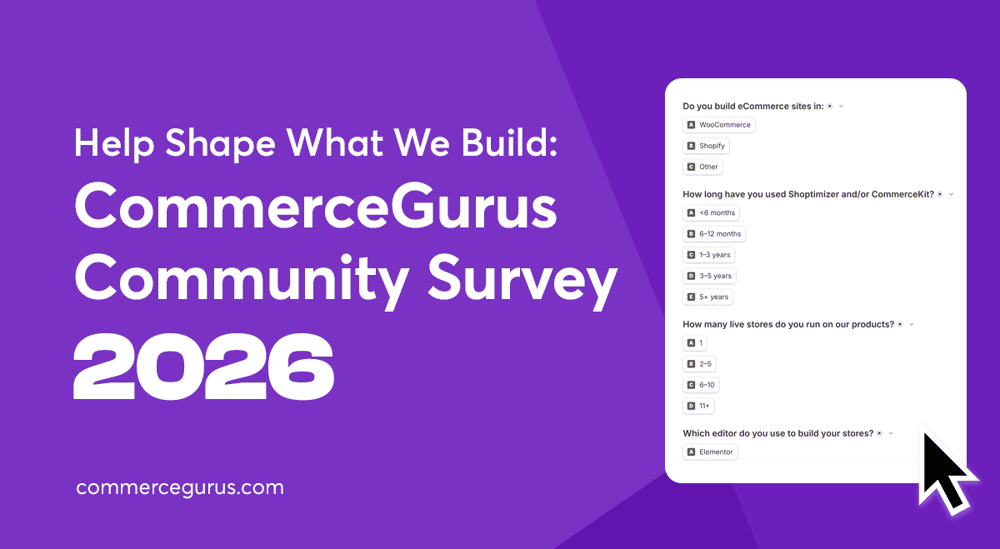
Help Shape What We Build Next: The CommerceGurus Community Survey 2026

Help Shape What We Build Next: The CommerceGurus Community Survey 2026

Running a WooCommerce store means juggling a lot at once. Performance scores, conversion rates, design, organic search that keeps shifting, and a steady drip of WordPress and WooCommerce updates on top. Something always needs attention.

We’ve spent years building the tools that help keep those plates spinning. Shoptimizer and CommerceKit are now trusted by more than 60,000 stores, from solo side-projects to agencies running dozens of sites.

And a fair few of those tools started life as a conversation. Someone gets in touch with our support team, asks “can it do this?”, and often enough the answer becomes our next feature. Over the years, feedback like that has led directly to some of the most useful and popular features in our products.

The catch is, those chats only happen one at a time, and only with the people who get in touch. We wanted to hear from everyone, including the folks who’d never think to open a ticket. So we’ve built a way to do exactly that.

We’ve just launched our first CommerceGurus Community Survey, and we’d love you to take part.

👉 Take the CommerceGurus Community Survey

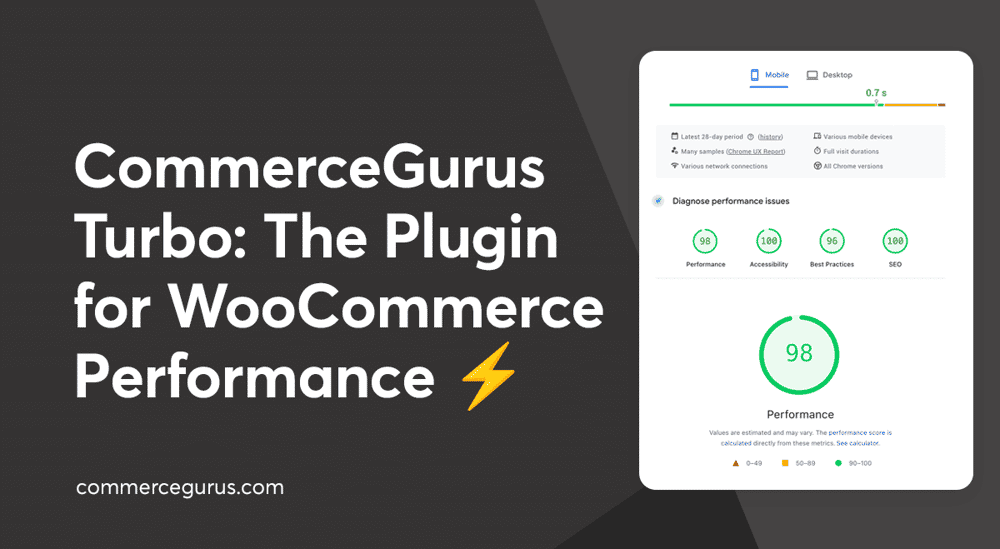
Introducing CommerceGurus Turbo: Faster WooCommerce Stores

Introducing CommerceGurus Turbo

For over a decade, we’ve focused on one thing: making it easier to sell online. That focus runs through both our flagship products, Shoptimizer and CommerceKit, and it’s helped more than 60,000 store owners build faster, higher-converting WooCommerce stores.

But one problem kept coming up. Making a WooCommerce store genuinely fast meant installing and configuring a stack of separate plugins, plugins that conflict with each other when they aren’t carefully set up and, in the worst cases, break the checkout flow entirely.

Most performance plugins were built for WordPress blogs and brochure sites, with WooCommerce support tacked on as an afterthought. WooCommerce stores need a performance plugin built for how they actually work.

So we built CommerceGurus Turbo.

It’s currently in beta – stable and running on live WooCommerce stores today (including this one), with active development as we refine it based on real-world feedback.

Best WooCommerce CDN Options

Best WooCommerce CDN Options

Using a CDN with WooCommerce can speed up your store, improve the shopping experience, and ultimately help generate more sales.

A content delivery network (CDN) helps improve site speed by serving its content from servers closer to your customers, wherever they are in the world. A good CDN will also reduce pressure on your web host, improving reliability during unexpected traffic spikes and busy periods.

Using a CDN makes sense for most WooCommerce stores, but with so many options out there, which one should you choose?

To help you decide whether your store needs a CDN and, if so, which one to choose, this guide covers the best WooCommerce CDN options, what to look for when choosing, and which solution is best for different types of stores.

The Invisible Storefront: The Shift from SEO to AEO in eCommerce

The Invisible Storefront: The Shift from SEO to AEO in eCommerce

All the work you’ve done on your store to appeal to human shoppers, including design, UX, photography, and lifestyle branding, could soon become much less relevant.

That’s due to the rise of AI shopping agents: automated software that helps users find and purchase products. These agents don’t browse your store as customers do. They don’t care about your pop-up discounts, your brand story, or your parallax scrolling. Instead, they analyze structured data, product feeds, and API responses. Your hero banner and aspirational photos are invisible to them.

As AI-assisted shopping grows – ChatGPT alone handles around 50 million shopping queries a day — ensuring your eCommerce store is optimized for these agents is becoming increasingly important.

In this guide, we cover what AEO means for eCommerce stores and what you can do about it now.

CommerceKit Now Works with Any WooCommerce Theme

CommerceKit Now Works with Any WooCommerce Theme

CommerceKit was born as a simple companion plugin to Shoptimizer. Over the years it has evolved into a powerful, fully-featured conversion optimization suite for WooCommerce with 13 modules covering everything from instant ajax search and conversion-focused product galleries to order bumps, attribute swatches, and wishlists.

It replaces a whole stack of individual plugins with a single, performance-optimized package.

For years, many of you have been asking if CommerceKit can be used with any WooCommerce theme – not just Shoptimizer.

For those of you who have missed CommerceKit’s suite of conversion optimization features on your other WooCommerce stores, we are pleased to announce that you can now purchase a standalone license and use CommerceKit with any WooCommerce-powered store!

A standalone license is just $39/year. When you consider how many individual plugins CommerceKit replaces, that’s a pretty great deal.

If you’re already a Shoptimizer customer, nothing changes for you. CommerceKit is still included with your Shoptimizer license and the update process remains exactly the same.

How To Reduce Server Response Times (TTFB) in WooCommerce

How To Reduce Server Response Times (TTFB) in WooCommerce

Slow server response times are a common problem for WooCommerce stores because of their dynamic nature. High time to first byte (TTFB) can affect SEO, user experience, and conversions, but it’s not always easy to identify the cause of poor performance.

In this guide, we’ll cover the most effective ways to reduce server response times (TTFB) in WooCommerce, starting with the changes that usually make the biggest difference.

Success!

The discount has been applied. You will see it when you checkout.

There has been a problem

Unfortunately this discount cannot be applied to your cart.

$50
Off

Do you want a whopping $50 off Shoptimizer for WooCommerce?

Click the button below to get Shoptimizer for only $49. (Regular price: $99).
This is a special launch offer for today only.
Get it before it is gone!