Get a fast, conversion-focused WooCommerce theme in 2026. Switch to Shoptimizer.

Home Core Web Vitals

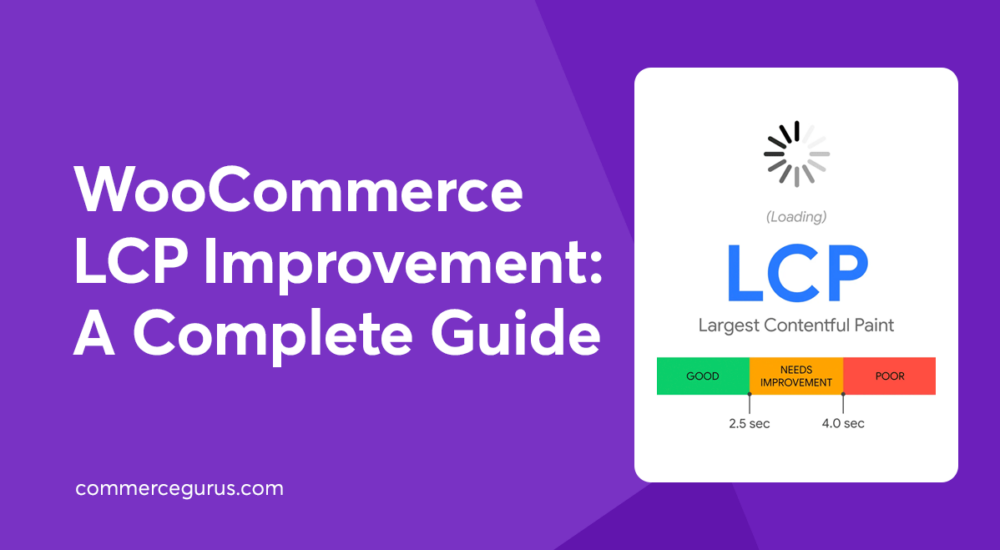
WooCommerce LCP Improvement: A Complete Guide

WooCommerce LCP Improvement: A Complete Guide

Improving LCP should be a priority for all WooCommerce stores as it directly impacts user experience, brand reputation, and conversions.

In fact, Rakuten 24 found that achieving a good LCP score lead to a conversion rate increase of up to 61%, as well as improvements in revenue per visitor and average order value. Renault reported a 14% decrease in bounce rate and a 13% increase in conversions after improving LCP.

If you’re not sure what LCP is, what a good score is, how to measure it, or how to improve it, this guide will get you up to speed.

By following the nine actionable strategies, you’ll be able to ensure your main content loads quickly, shoppers get a smooth first impression, and your conversions have the best chance to improve.

CLS in WooCommerce: Making it “0” (Core Web Vitals)

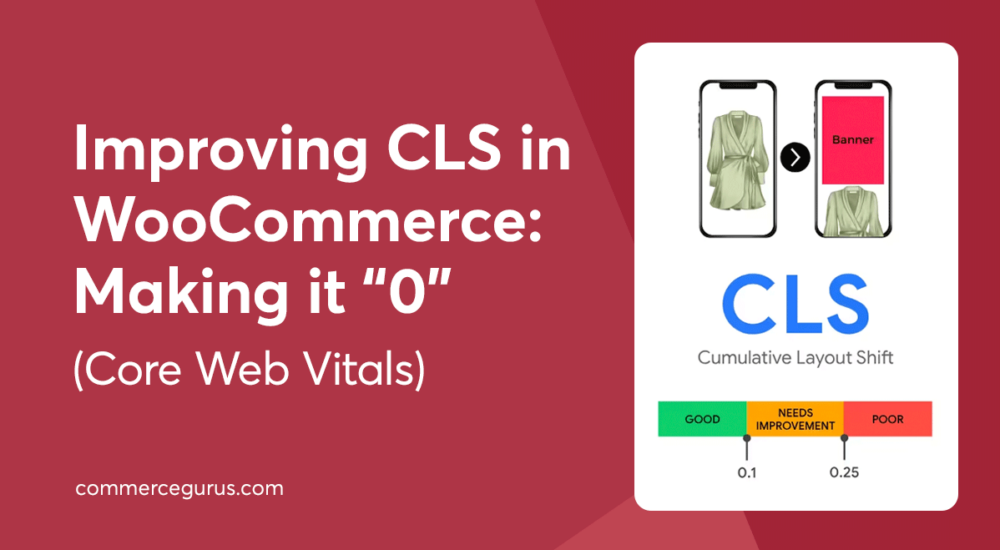
CLS in WooCommerce: Making it “0” (Core Web Vitals)

CLS, or cumulative layout shift, can be a real problem for WooCommerce stores, but thankfully, it’s something you can fix.

CLS is a measurement of how much of a page’s layout and content shifts or moves unexpectedly when it’s loading.

This sort of shifting isn’t ideal for any website, but it’s particularly serious for WooCommerce stores. A high CLS score makes stores difficult to use and feel broken or unprofessional, two factors that can significantly reduce conversion rates.

In this guide, we cover how to measure CLS, the common causes of layout shifts in WooCommerce stores, and how to fix them.

Success!

The discount has been applied. You will see it when you checkout.

There has been a problem

Unfortunately this discount cannot be applied to your cart.

$50
Off

Do you want a whopping $50 off Shoptimizer for WooCommerce?

Click the button below to get Shoptimizer for only $49. (Regular price: $99).
This is a special launch offer for today only.
Get it before it is gone!